Setting Up Integrations
Setting up integrations for your agent can be done in the “Integrations” section of your agent’s settings. This can be found by clicking the Gear icon in the top right of the agent’s chat page, then selecting “Integrations”.Social Media
Integration Settings
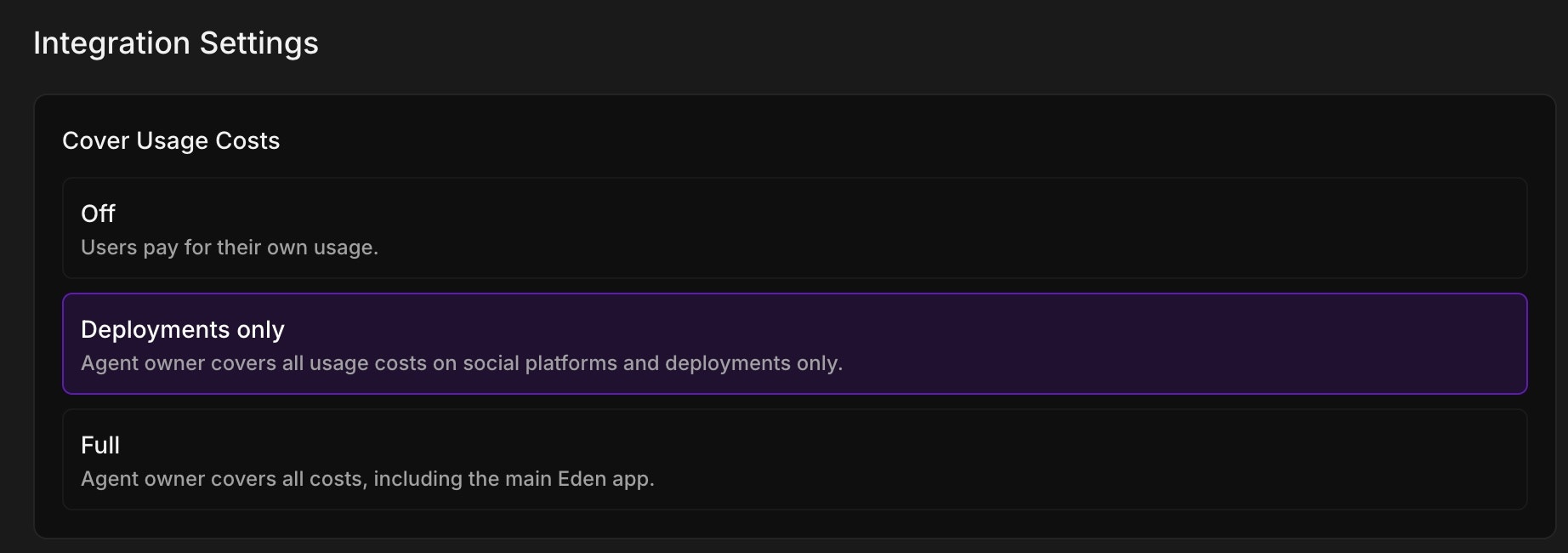
Cover Usage Costs
The “Cover Usage Costs” setting determines who pays for API usage when users interact with your agent. You can choose from three options:- Off: Users pay for their own usage when interacting with your agent
- Deployments only: You (the agent owner) cover all usage costs on social platforms and deployments only. Users still pay when using your agent in the main Eden app
- Full: You cover all costs, including usage in the main Eden app